 PDF
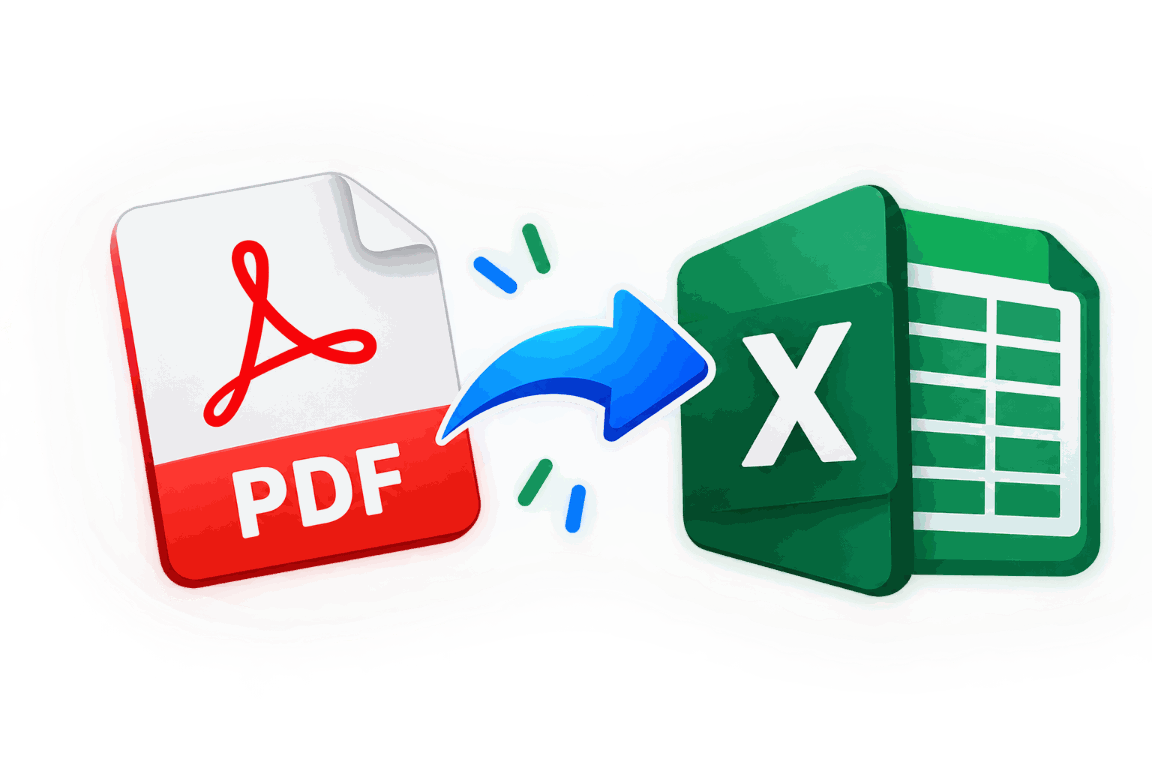
PDFPDF to Excel
Extract PDF tables into an editable workbook.
Open tool →
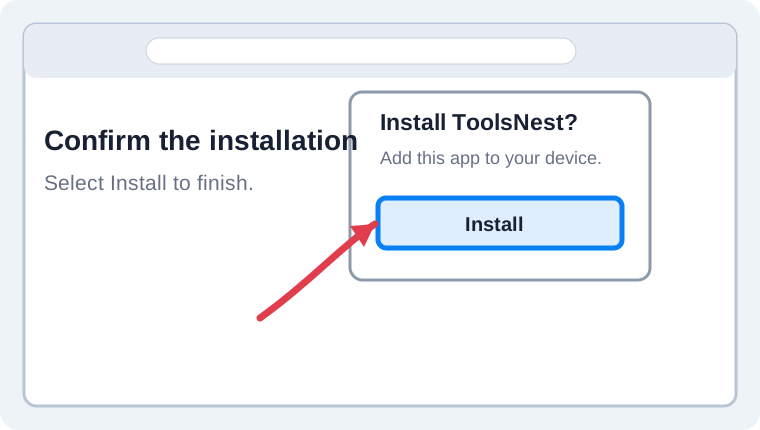
Add ToolsNest to your home screen for quick access.
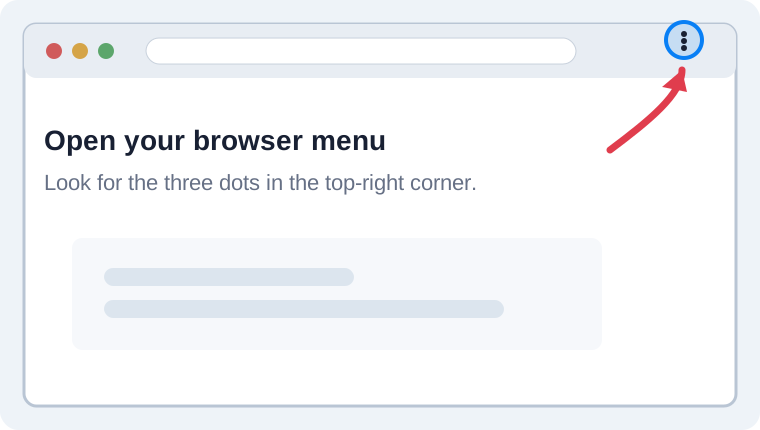
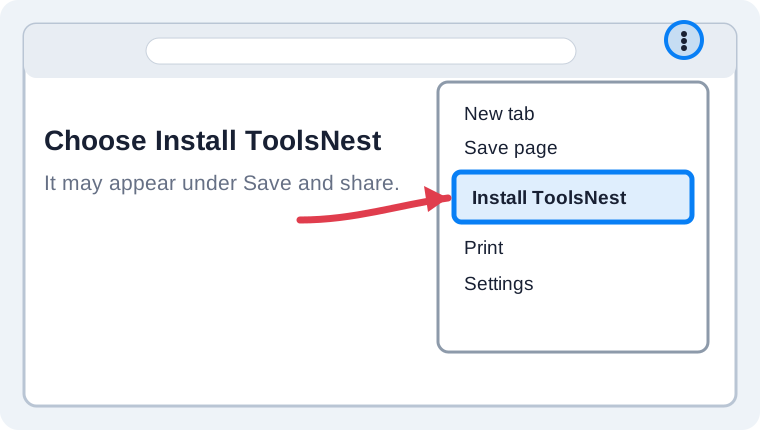
Use your browser menu to install ToolsNest as an app. The labels may vary slightly by browser and device.
 PDF
PDF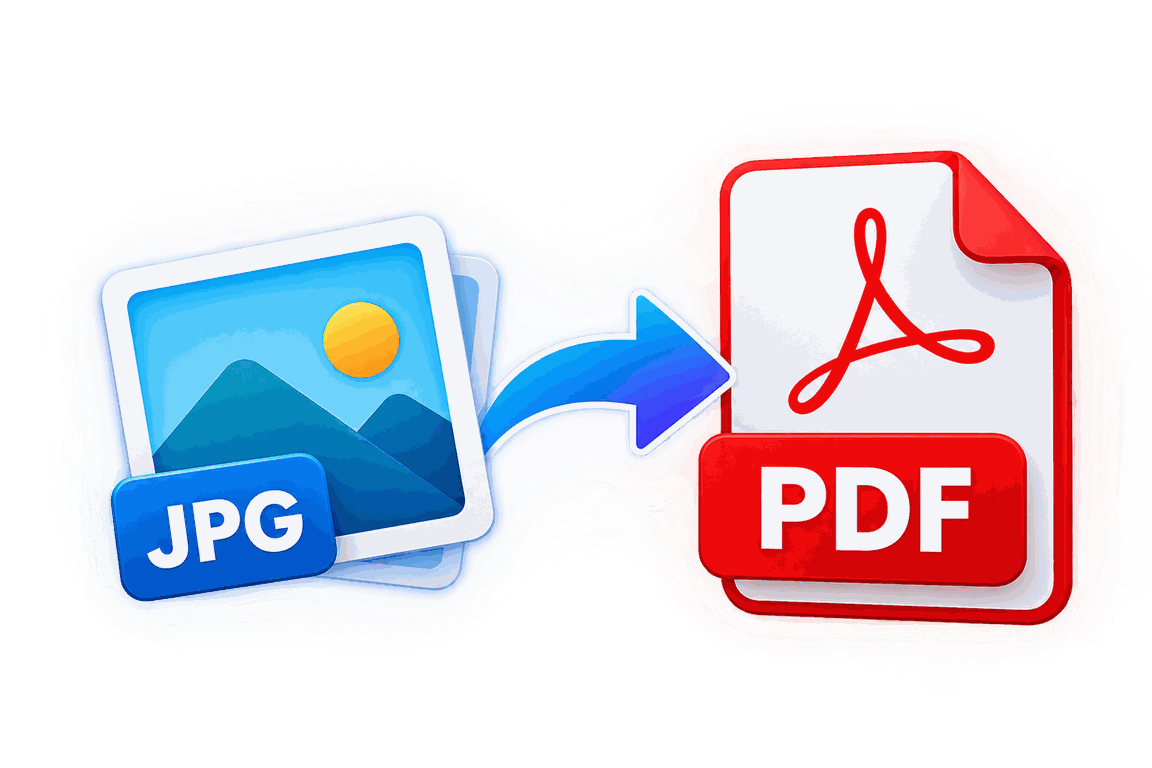 Image
Image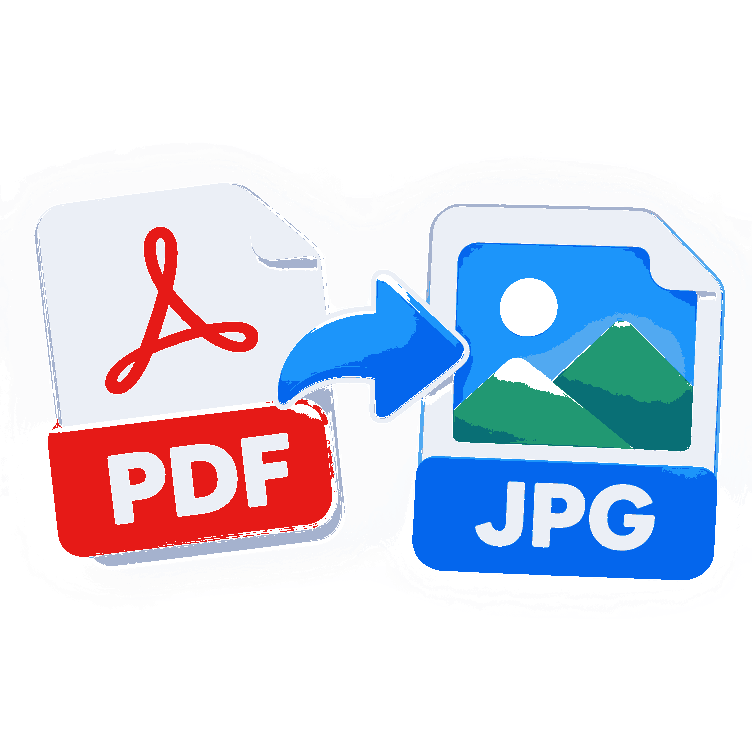 PDF
PDF PDF
PDF PDF
PDF PDF
PDF Word
Word Excel
Excel Image
Image PDF
PDF Image
Image QR
QRToolsNest brings common file and image utilities into one simple, responsive website. Convert, compress, edit and generate files directly without creating an account.
Use the right tool for the job: convert PDF to Word or DOCX, extract PDF tables to Excel, save PDF pages as JPG images, split a PDF by page, edit a PDF in your browser, convert Word documents to Excel, or export an Excel workbook as PDF. You can also combine JPG and PNG images into a PDF, compress PDF and image files, change an image background, or create a QR code from text or a website link.
Whether you need a free online PDF converter, an image-to-PDF tool, a document format converter, or a quick QR code generator, choose a tool above to see supported file types and instructions. Some tools process files in your browser, while others send a file to the server for conversion; check each tool page and our Privacy Policy for details.
Use PDF to Word when you need a PDF to DOCX converter, want to turn PDF text into an editable Word file, or need to open PDF content in Microsoft Word. Upload a PDF and download the converted DOCX to review and edit.
PDF to Excel can help when you need to convert PDF tables to XLSX, extract rows and columns from a PDF, or move invoice and report data into an Excel spreadsheet. Review the workbook after conversion, especially if the source table has complex formatting.
Use PDF to JPG to convert PDF pages to JPEG, save a PDF page as an image, or create JPG files from a PDF for sharing in a presentation or message. Preview the pages and download the images you need.
The PDF Splitter helps when you want to separate PDF pages, extract selected pages from a PDF, split a PDF into smaller documents, or keep only certain pages. Choose the pages you need and download the new PDF.
Open the PDF Editor to add text to a PDF, draw or annotate a document, place images, or add a signature in your browser. It is useful when you need to fill or mark up a PDF without installing a desktop editor.
Use Word to Excel to convert a DOCX file to an XLSX workbook, move Word paragraphs or table data into spreadsheet cells, and prepare document data for sorting or further editing in Excel.
The Excel to PDF converter creates a PDF copy from supported XLSX and XLSM workbooks. Use it to share an Excel report as a PDF, prepare a spreadsheet for printing, or create a document that is easier to view on different devices.
Images to PDF can combine pictures, scans, and screenshots into a single PDF file. It is useful for making a PDF from JPG images, converting PNG files to PDF, or putting scanned pages in one document for sharing.
Use Compress PDF when you need to make a PDF smaller for an email attachment, reduce a PDF before uploading it, or save storage space. Check the compressed file after downloading to make sure its pages are still readable.
Compress Image helps reduce JPG, PNG, WEBP, and BMP file sizes. Use it to optimize an image for a website, shrink a photo for email, or make an image easier to upload while keeping a copy of the original.
Change Background can replace an image background with a supported solid color. It can help prepare a simple product image, profile photo, or listing picture; results depend on the original image and should be checked before use.
Enter a website URL or text in the QR Code Generator to create a QR code image. This is useful for a website QR code, a printable link QR code, or a simple code that people can scan with a phone camera.
ToolsNest tools run in a web browser and do not require an account. Some tools process files locally in the browser, while conversion tools that use the server require an upload; check the individual tool page for its file limits and handling details.